
The New Front Line Is Your Network: What Global Conflict Means for American Businesses

America is under attack in cyberspace. Iranian-affiliated cyber actors are targeting the U.S. critical infrastructure, including systems that keep water, energy, and other essential services running. At the same time, hackers working on behalf of various state entities have targeted American organizations to steal research, proprietary data, and intellectual property. These attacks are not distant threats. They are happening across American networks, and businesses are part of the battlefield.
Cybersecurity can feel like one of those things that is easy to put off. There is always another email to answer, another project to finish, or another technology problem waiting for attention. But a quick review of your systems now can help you catch problems before they become much bigger ones.
Small businesses are especially targeted by hackers because they are often easier to break into. Many have weaker security and no dedicated IT department to monitor their systems or respond to threats. Think about it this way: if you were a robber, would you choose the Federal Reserve or the little old lady down the street who accidentally leaves her purse outside? Yeah, exactly.
Small businesses can be that easier target. Too often, the digital door to their business is wide open.
The numbers show why this matters. Verizon’s 2026 Data Breach Investigations Report found that 31% of breaches began with the exploitation of software vulnerabilities, while ransomware was involved in 48% of all breaches. The report also found that vulnerabilities can take a median of 43 days to fully resolve once they are identified. (Verizon, 2026a, 2026b).
You don’t have to be a cybersecurity expert to start. Here are four things your organization should be checking right now:
1.Secure Your Network:
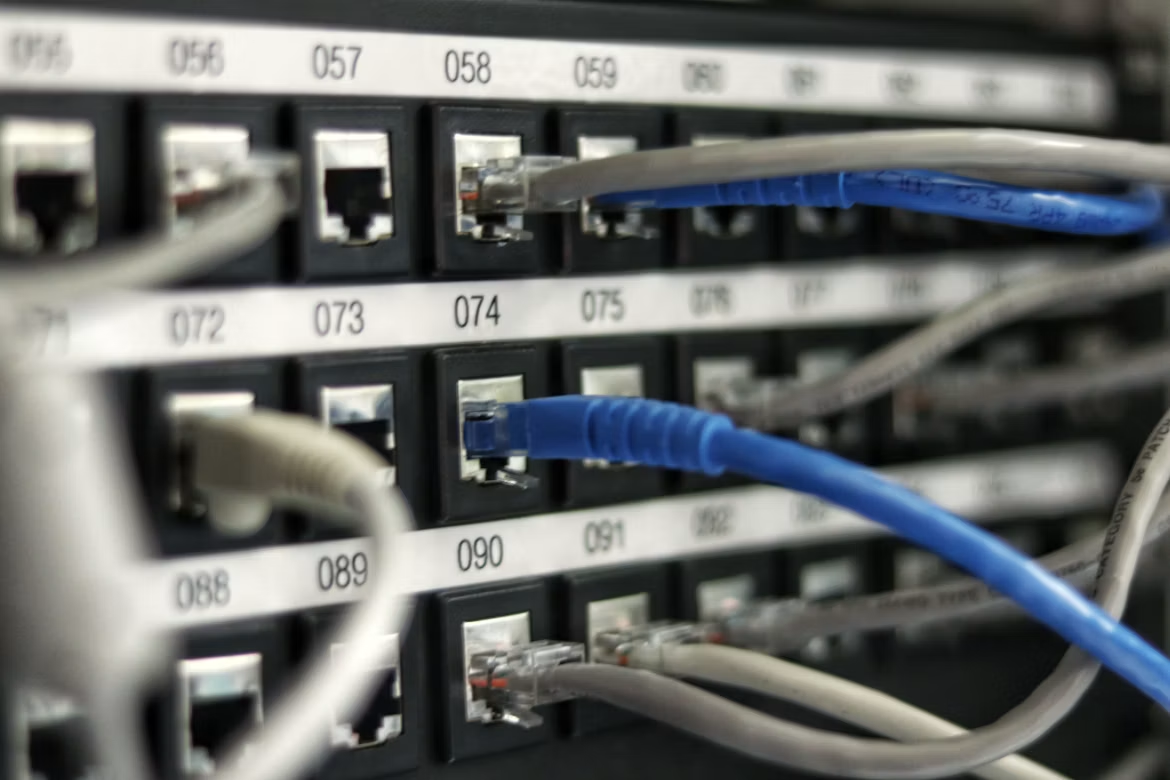
Let’s start with the network your organization uses every single day.
If your Wi-Fi is still using WPA2, check if your router and other equipment support WPA3. If they do, it is time to make the switch. WPA3 is the newer Wi-Fi security standard and offers stronger protection than WPA2.
And while you’re checking your network, take a look at your routers and firewalls.
When was the last time their firmware was updated?
Firmware updates often include fixes for security problems, so it’s worth making sure you’re not running an update from years ago.
Verizon’s recent data shows why this matters. Vulnerability exploitation was the leading way attackers got into organizations in the report, accounting for 31% of breaches (Verizon, 2026a).
You don’t have to make this complicated. Find out what equipment you have, check when it was last updated, and take care of anything that needs an update. Not sure what to update or worried about doing it yourself? We can help.
2.Use A VPN
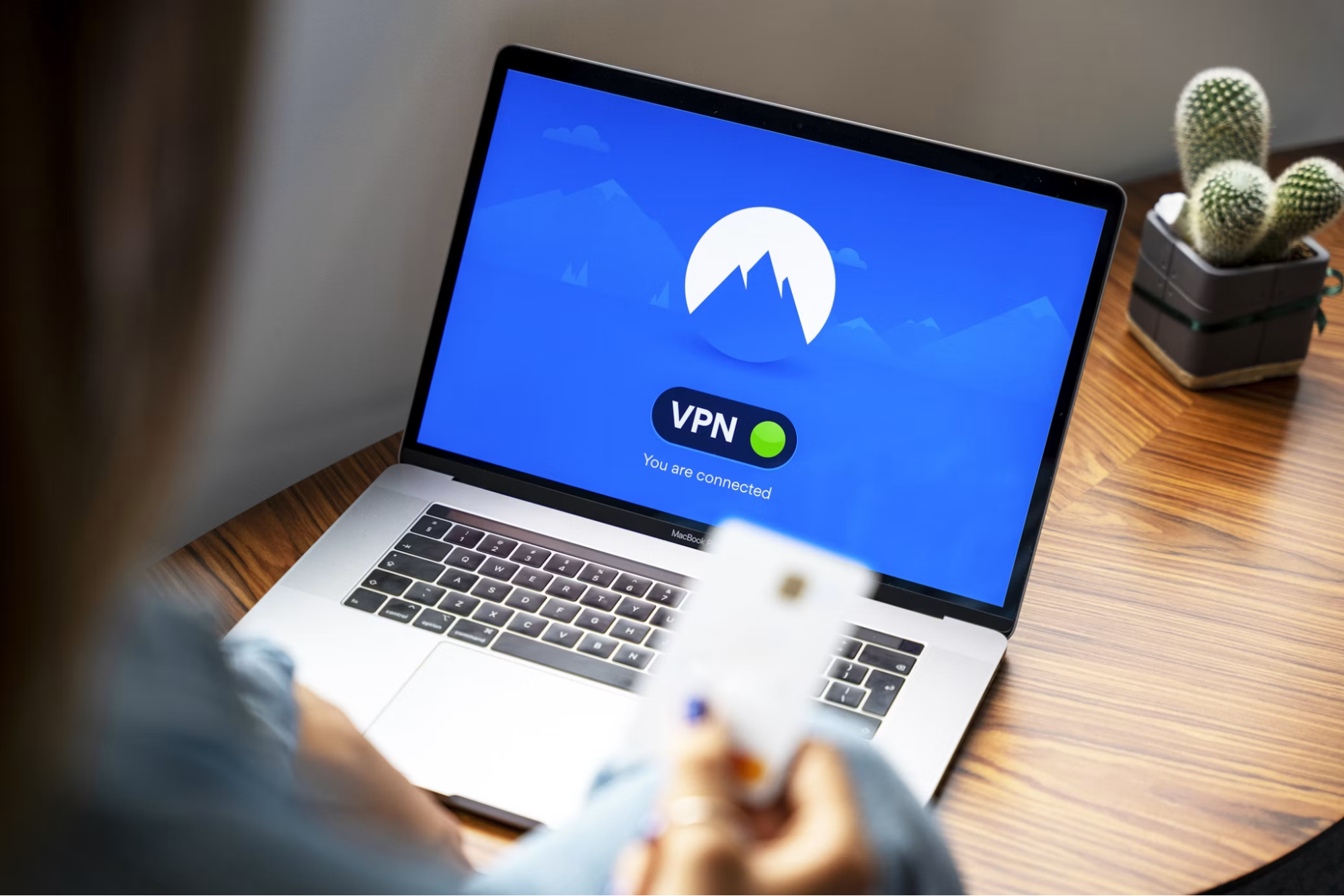
If you or your team work from home, from a coffee shop, or from somewhere other than the office, make sure you have a secure way to connect to your organization’s network and resources.
A VPN, or virtual private network, creates an encrypted connection between your device and the network you’re connecting to. That extra layer of protection can be helpful when you’re working outside or using a network you don’t manage yourself.
If your organization already has a VPN, make sure everyone knows how to use it and when they should be using it.
CISA recommends securing VPN connections, limiting unnecessary access, and using strong encryption (Cybersecurity and Infrastructure Security Agengy[CISA], 2024).
A VPN isn’t going to solve every security problem, but it is a useful part of your overall security setup.
3.Review Who Has Admin Access
Most people tend to overlook who can access their files, accounts, and data. Even more important, who has administrator access.
People change jobs and responsibilities. Employees leave. Contractors finish projects. But their access to your systems may still be sitting there months later.
Go through your accounts and ask yourself. Does this person still need this access?
Not everyone needs to be an administrator. Giving people the right access level helps limit what happens if an account is ever compromised.
We recommend reviewing accounts quarterly, removing accounts that are no longer needed, and checking administrative privileges (CISA, 2025).
This is especially worth checking for small organizations, where one person may have access to a lot of different systems simply because they have been there for a while.
4.Update And Review Your Antivirus Settings
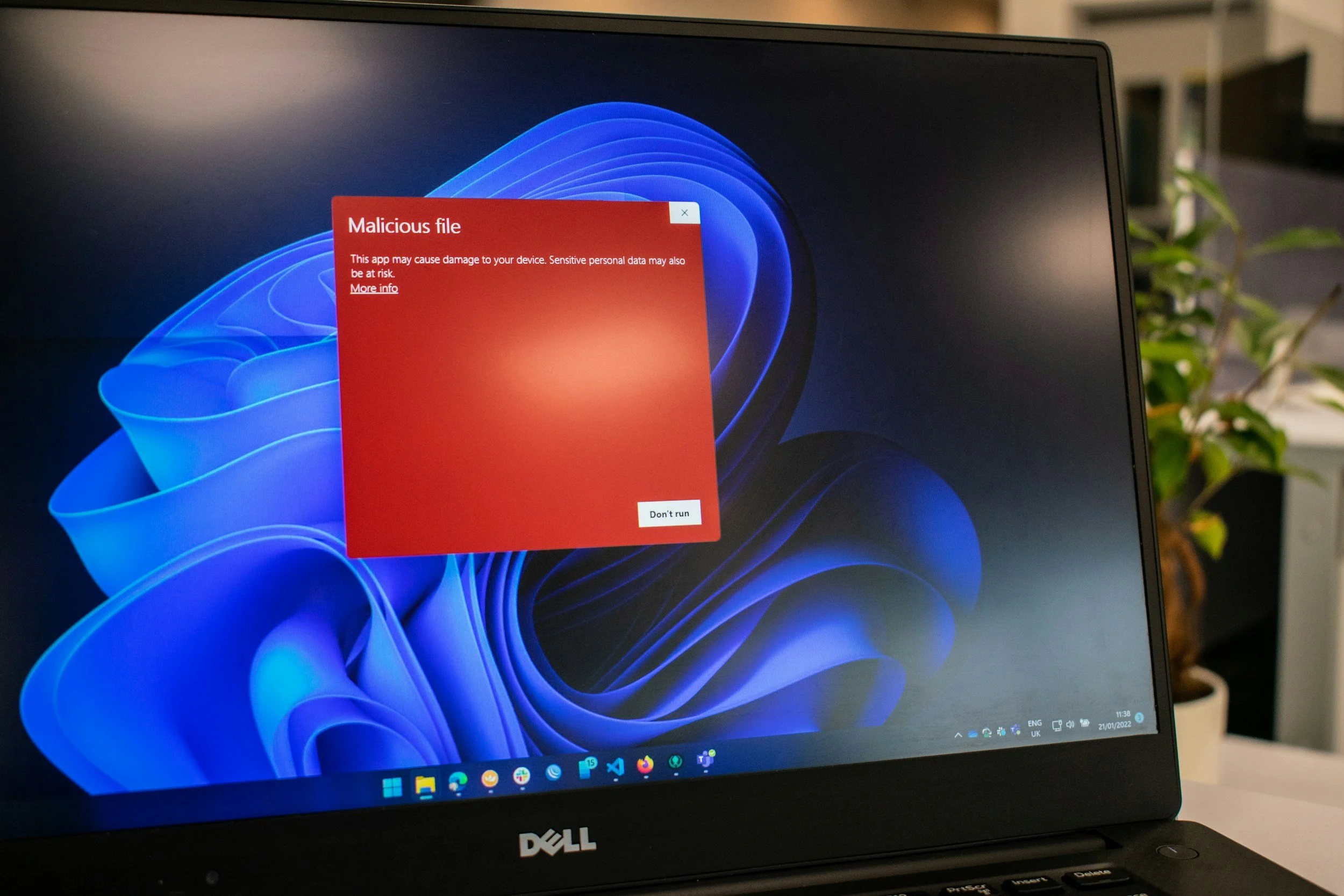
If you have antivirus software, don’t just install it and forget about it.
Check that it is up to date and that important features, like real-time protection, are turned on. And don’t forget about the smart phones, tablets, and other devices your team uses. They need updates and antivirus too.
Pay attention to those security alerts while you’re at it. If your antivirus keeps warning you about something, don’t just click “dismiss” and move on. Take a minute to find out what it is telling you.
Take A Few Minutes And Check
You don’t have to wait for something to go wrong before you take a look at your security.
Earlier this year, Minnesota saw just how serious these threats can be. In July, more than 30 community water systems across the state were targeted in a coordinated cyberattack. Just days earlier, CISA, the FBI, the EPA, and other federal agencies had issued an urgent warning about Iran-affiliated cyber actors targeting technology used in America critical infrastructure, including water and wastewater systems.
Just months earlier, Winona County had already suffered a cyberattack that disrupted critical systems and digital services. (Winona County, 2026; Star Tribune, 2026).
And businesses get caught up in the crossfire. You don’t have to operate a water plant or a power grid to be affected when the infrastructure in your community and your business depends on it being attacked. It is happening in Minnesota, across the country, and inside the systems that keep communities running.
Assume that every organization is eventually going to get attacked. This is your reminder that security problems can happen to organizations of all sizes, including organizations right here in Minnesota.
So, this October, take a little time to check what you already have in place. Look at your network. Make sure your remote connections are secure. Review who has administrator access. And make sure your antivirus protection is up to date.
It doesn’t have to be a big project. Sometimes, it’s just about taking a few minutes to see what needs attention.
References:
Cybersecurity and Infrastructure Security Agency. (2024). Enhanced visibility and hardening guidance for communications infrastructure. CISA
Cybersecurity and Infrastructure Security Agency. (2025). #StopRansomware: Play Ransomware. CISA
Minnesota IT services. (2026, July 28). MNIT activates statewide cybersecurity response to support affected communities and protect critical infrastructure. State of Minnesota. MNIT - Cybersecurity response.
Star Tribune. (2026). MN’s Winona County details second cyber attack of 2026. Star Tribune.
Verizon. (2026a). 2026 Data Breach Investigations Report. Verizon Business
Verizon. (2026a). 2026 Verizon DBIR & BIS: SMB data breaches can lead to significant financial impact. Verizon Business
Winona County (2026, May 12). Notice of data security incident. Winona County